Separate door, control, delay, water, and power states before resetting the machine or opening anything electrical.
A dishwasher that will not start may be waiting on a door latch, control lock, delay setting, water supply, or power. Do not begin with the breaker or a factory reset. Read the lights, preserve any code, and decide whether the machine is completely dead or simply refusing to begin a cycle.
My view: one careful start attempt tells you more than six rounds of button pressing. Record exactly what the panel does, then check the ordinary controls and door. Wiring, pumps, switches, panels, and hardwired connections belong to qualified service.
Name the failure before changing anything
Record the model, selected cycle, status lights, tones, error code, and the last time the machine ran normally. Separate a dark panel from a responsive panel that beeps, flashes, counts down a delay, starts and stops, or runs a drain pump. Note a recent outage, plumbing shutoff, disposal installation, overloaded rack, spill, or cleaning. Those details route the call.
Stop immediately for smoke, a hot-plastic smell, sparking, water near a cord or outlet, a damaged door, or repeated breaker or GFCI operation. Keep clear of wet electrical areas. Do not reset protective devices repeatedly to make the dishwasher run.
Read the control state, not just the Start button
Look for Control Lock, Child Lock, Sleep, Standby, Delay, Pause, or a flashing Start/Resume light. Use the owner's manual for the exact cancel or unlock sequence. Whirlpool says its control lock disables buttons, delay wash holds the cycle until the selected time, and opening or closing the door can wake some models from standby. A lit panel can be doing exactly what it was told.
Cancel a delay only by the documented control sequence. If the panel shows an error, photograph it before clearing anything. Do not hold random key combinations found for another model; service modes can change settings and erase the useful fault state.
Close the door without forcing the latch
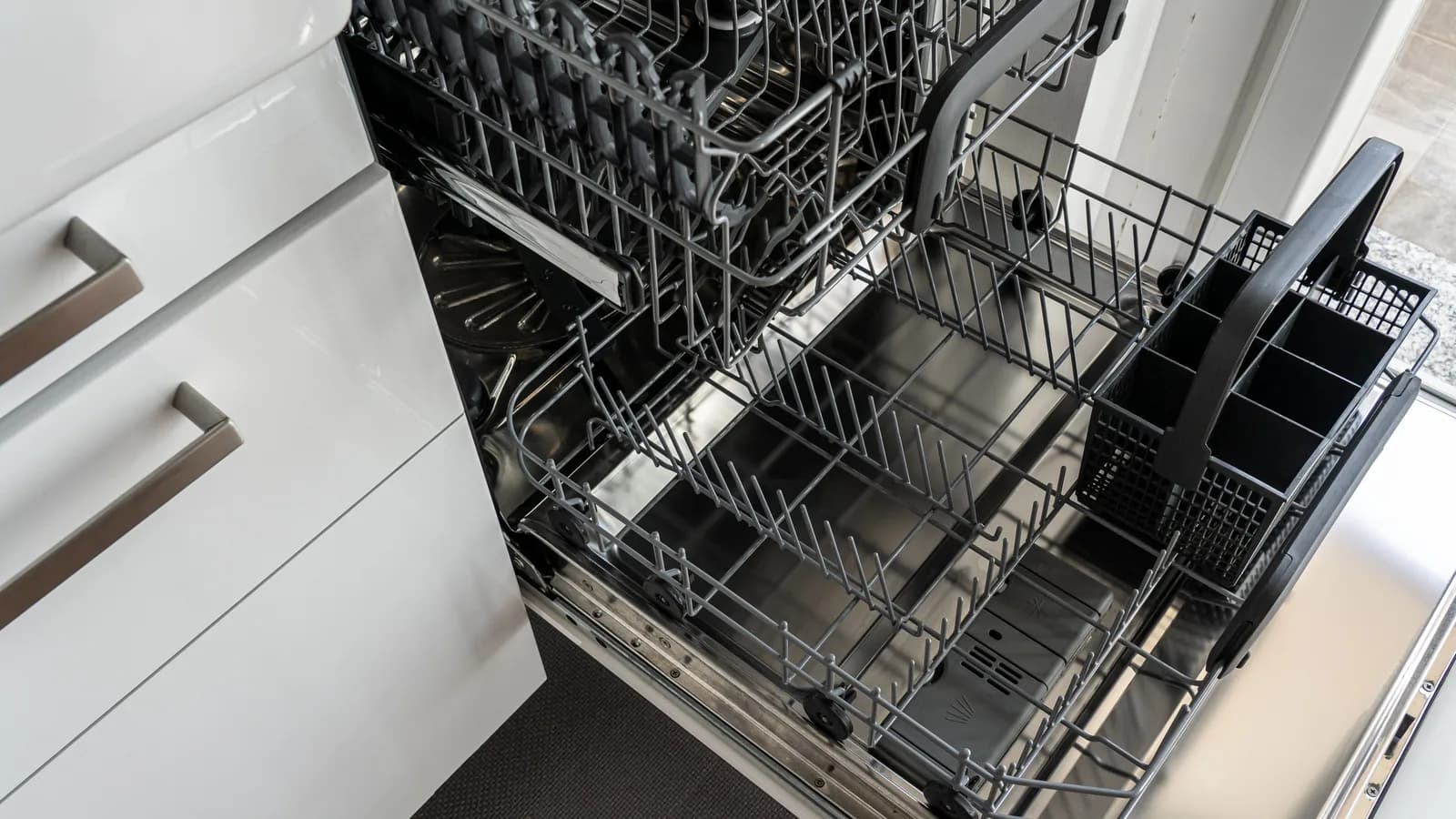
Pull both racks fully in and check for a pan handle, utensil, tall plate, misloaded lower rack, or detergent-cup obstruction. Inspect the gasket and latch area for ordinary removable debris. Close the door with normal pressure and listen for the model's usual latch response. Whirlpool notes that a reversed lower rack or an overloaded load can prevent closure on some models.
Do not slam the door, bend the strike, tape a switch, or press a latch with a tool. A door that has dropped, rubs the cabinet, springs open, or will not sit square needs installation or appliance service. The interlock is a safety device, not an inconvenience to bypass.
The 4Homes weekly email
Every Tuesday: what changed for homeowners this week, plus our newest guides.
No spam. Unsubscribe anytime.
Confirm the visible supplies once
If the controls and door are normal, confirm the accessible dishwasher water shutoff is in its usual open position and look for a kinked visible line or a leak. Check whether other fixtures have water. Do not reach behind a running appliance, loosen a pressurized fitting, or pull an installed dishwasher from the cabinet.
For a plug-connected unit, inspect only the visible cord and receptacle from a dry position. Hardwired power, junction boxes, internal fuses, door switches, float switches, pumps, and control boards are service work. If the manual allows one ordinary power cycle, follow its stated duration once. Whirlpool's general guidance uses 30 seconds for some models; your manual controls.
Make the service handoff specific
Give the technician the model, exact control state, latch behavior, error photo, supply observations, and result of the one documented start attempt. Ask the closeout to identify the failed layer and prove a complete fill, wash, drain, and dry sequence without leakage. Save the part number and test result. If water is already escaping, switch to the home water leak plan and keep electrical safety first.